goome
Plots, drag and more 0.2
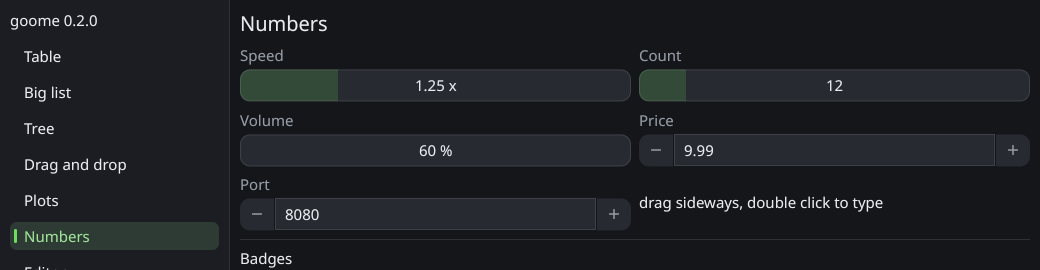
Drag values and number boxes
goome_ui_drag_float(u, "Speed", &speed, 0.05, 0, 10, "%.2f");
goome_ui_drag_int(u, "Count", &count, 0.2, 0, 1000);
goome_ui_number(u, "Width", &width, 1, "%.0f px");
Drag values are a box with the number in it, drag sideways. speed is how fast it changes. goome_ui_number has - and + buttons that move by step and you can click in and type. They return 1 when the value changed.
Plots
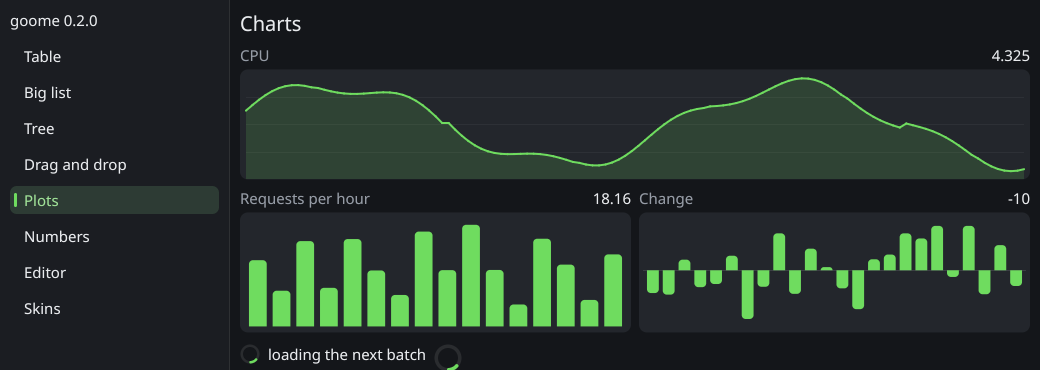
float fps[120];
goome_ui_plot_lines(u, "fps", fps, 120, 0, 144, 60);
goome_ui_plot_bars(u, "frame ms", ms, 60, 0, 33, 60);
min and max are the range, h the height.
Split panes
static double frac = 0.3;
if (goome_ui_split_begin(u, "main", 0, &frac)) {
    draw_file_list();
    goome_ui_split_next(u);
    draw_editor();
}
goome_ui_split_end(u);
Two panes with a bar you can drag. vertical 0 is side by side, 1 is top and bottom. frac is the first pane’s share, its your variable so save it with your layout.
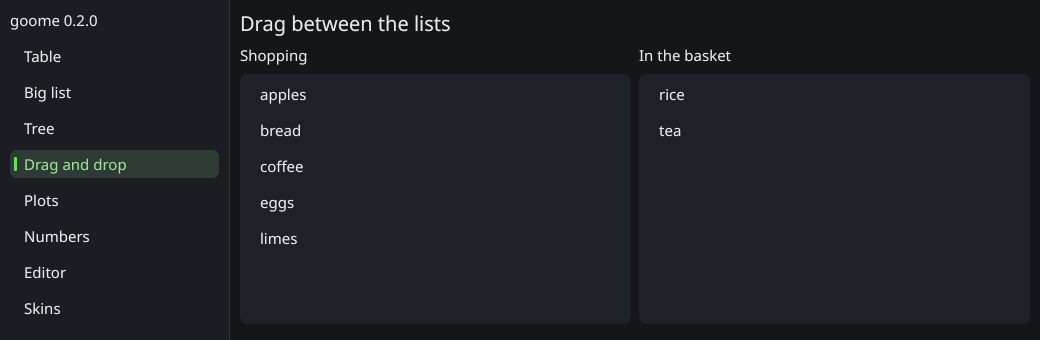
Drag and drop inside the UI
for (int i = 0; i < n; i++) {
    goome_ui_selectable(u, names[i], 0);
    goome_ui_drag_source(u, "item", &i, sizeof(i));
}
goome_ui_label(u, "drop here to delete");
int got;
if (goome_ui_drop_target(u, "item", &got, sizeof(got))) remove_item(got);
goome_ui_drag_source makes the widget before it draggable with your data. goome_ui_drop_target makes the widget before it take drops of that type and returns how many bytes it copied into your buffer (0 if nothing dropped this frame).
Files from outside the app are GOOME_DROP events, see Window mode.
Small stuff
| Widget | What |
|---|---|
goome_ui_spinner(u, size) |
a spinning loading circle, size 0 matches the text height |
goome_ui_link(u, text) |
text that looks like a link, hand cursor, returns 1 when clicked |
goome_ui_badge(u, text, argb) |
a small colored pill, like “new” or “3” |
Nine-slice skins
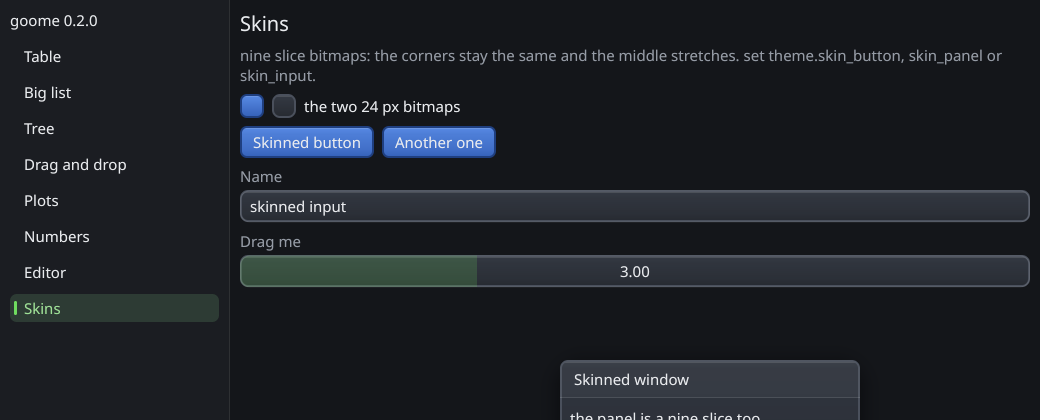
Set a goome_skin on the theme to draw buttons, panels and inputs from a bitmap. A skin is the bitmap plus its border sizes in bitmap px, corners stay and the edges and middle stretch.
goome_bitmap btn, panel;
goome_bitmap_load("button.png", &btn);
goome_bitmap_load("panel.png", &panel);
goome_theme *t = goome_ui_theme(u);
t->skin_button = (goome_skin){&btn, 8, 8, 8, 8};
t->skin_panel = (goome_skin){&panel, 8, 8, 8, 8};
t->skin_input = (goome_skin){&panel, 8, 8, 8, 8};
No bitmap = the normal look. The bitmaps are still yours, keep them loaded while the theme uses them. To draw a nine-slice yourself theres goome_draw_bitmap_nine in Images and fonts.