 goome
Downloads 0.4
Four small apps made with goome that you can just download and use. Unzip and run, theres no installer. They’re also the best way to see what goome does before you write any code.
All of them are on the latest examples release. Each app has a zip per OS, the macOS one is a universal build for Intel and Apple chips:
| App | Linux | Windows | macOS |
|---|---|---|---|
| goome-hud | goome-hud-linux-x86_64.zip |
goome-hud-windows-x86_64.zip |
goome-hud-macos-universal.zip |
| crosshair | goome-crosshair-linux-x86_64.zip |
goome-crosshair-windows-x86_64.zip |
goome-crosshair-macos-universal.zip |
| sticky | goome-sticky-linux-x86_64.zip |
goome-sticky-windows-x86_64.zip |
goome-sticky-macos-universal.zip |
| keyviz | goome-keyviz-linux-x86_64.zip |
goome-keyviz-windows-x86_64.zip |
goome-keyviz-macos-universal.zip |
The Mac builds arent signed, so the first launch gets blocked. Right click the app and pick Open, or run xattr -d com.apple.quarantine <app> once.
goome-hud
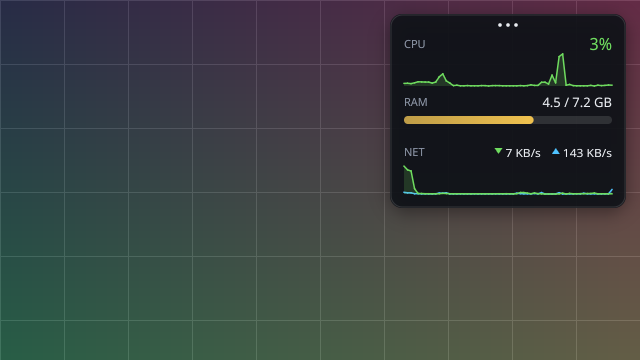
A system monitor for the corner of your screen, with temps on Linux. Drag it by the dots on top, every other part of it lets clicks through to whatever is under it. alt+shift+h hides it. README
crosshair
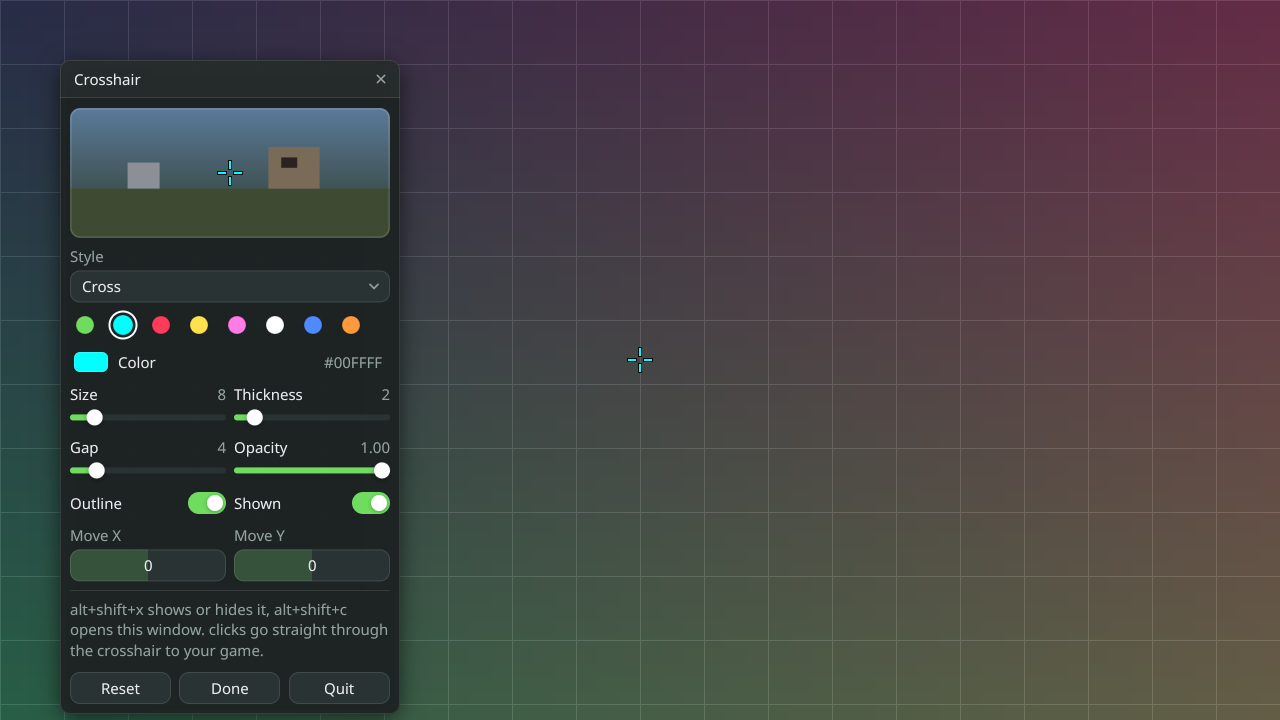
A crosshair in the middle of your screen for games that dont have a good one. It never takes a click and it doesnt touch the game, its just a see-through window on top. alt+shift+x toggles it, alt+shift+c opens the settings. README
sticky
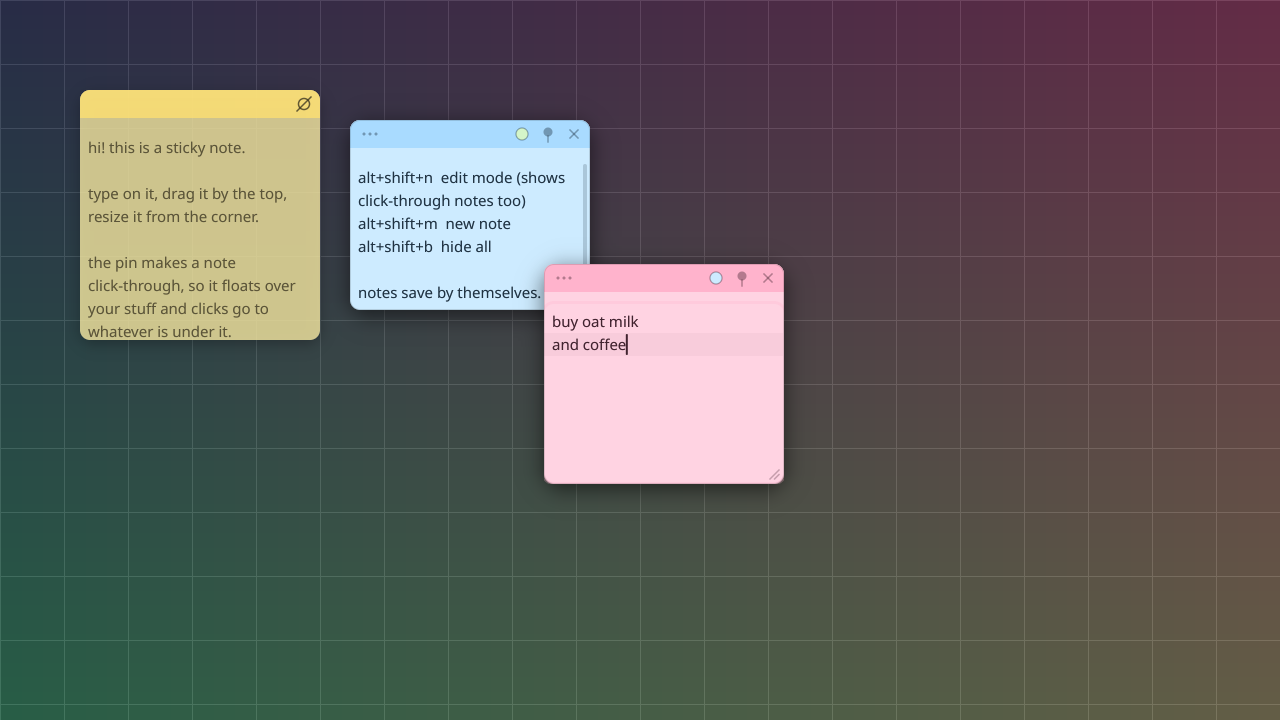
Sticky notes that stay over everything. Pin one to type in it, or make it click-through and use it as a cheat sheet over a game. They save to a file by themselves. alt+shift+n is edit mode. README
keyviz
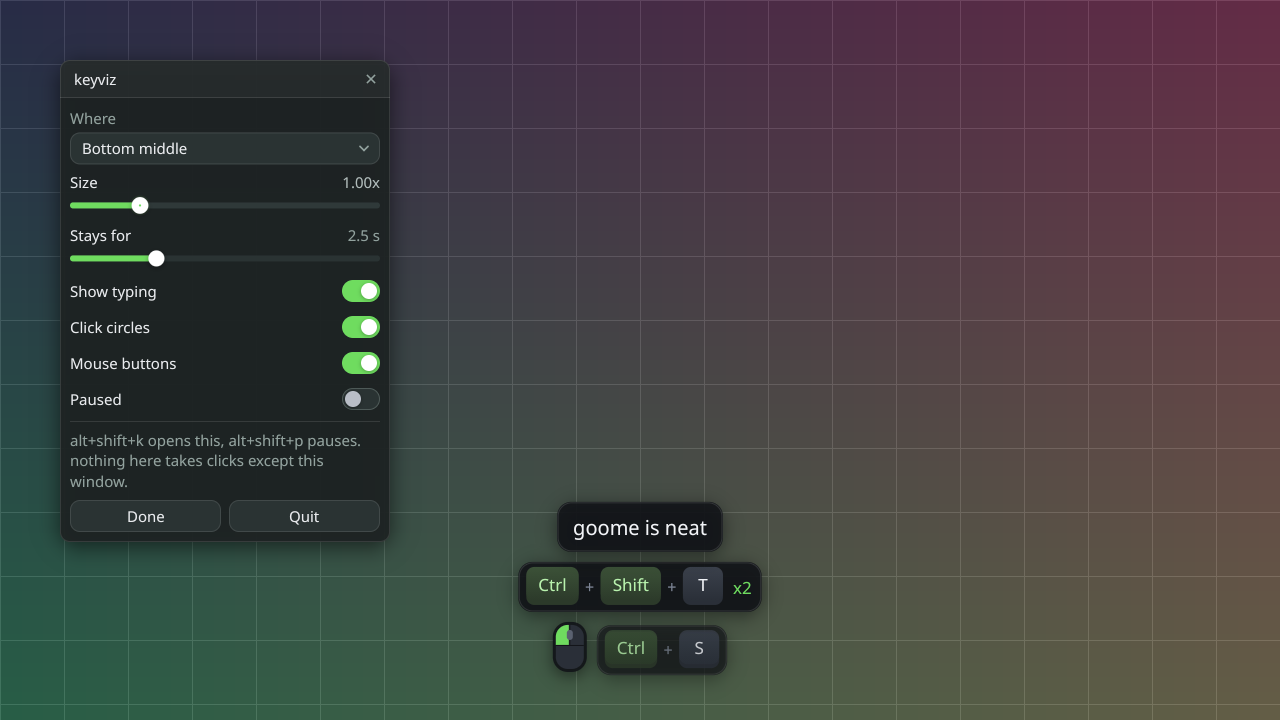
Shows your keys and clicks on screen for tutorials and recordings. Shortcuts show up as keycaps and count up when you press them again. alt+shift+p pauses it, good right before a password. README
Wayland
Wayland doesnt let apps grab global keys, so every app takes --send instead. Bind those in your compositor, like goome-hud --send hide or goome-crosshair --send settings. Each README has the full list.
Build them yourself
Every app is one main.c plus goome. From a clone of goome-ui/examples:
cd apps/goome-hud
cc -std=c99 -O2 -I../../vendor main.c ../../vendor/goome.c -o goome-hud
scripts/package-apps.sh builds all four and makes the same zips the release has. To make your own app like these, Templates and goome new gets you going in a minute.
OBS plugin
The OBS plugin 0.5 is a download too, on the obs-goome releases. Windows has an installer since 0.5.1 (obs-goome-…-windows-x64-installer.exe), Mac a .pkg and Ubuntu / Debian a .deb. The OBS plugin page has the steps.